We can't find the internet
Attempting to reconnect
Something went wrong!
Hang in there while we get back on track

ALNITAK
SEMANTIC PUBLISHING SYSTEM
Build expressive pages. Keep control.
Alnitak is the easternmost star in Orion’s Belt. The publishing system named after it helps you create, organize and evolve ambitious pages.
Create in the advanced editor with real-time preview, or work through the API. Compose rich layouts, apply reusable style templates, and revise content and appearance independently. Either way, the page remains yours to edit.
START WITH CONTENT
Write, arrange, publish.
Bring together words, photographs, maps and other blocks. Arrange them into a structured document that remains editable as the work grows.
SHAPE THE PRESENTATION
A new look, one click away.
Apply a style template, preview the result instantly, and fine-tune individual blocks with recipes. Change the visual system without rewriting the content.
MULTILINGUAL BY DESIGN
One page. Many languages.
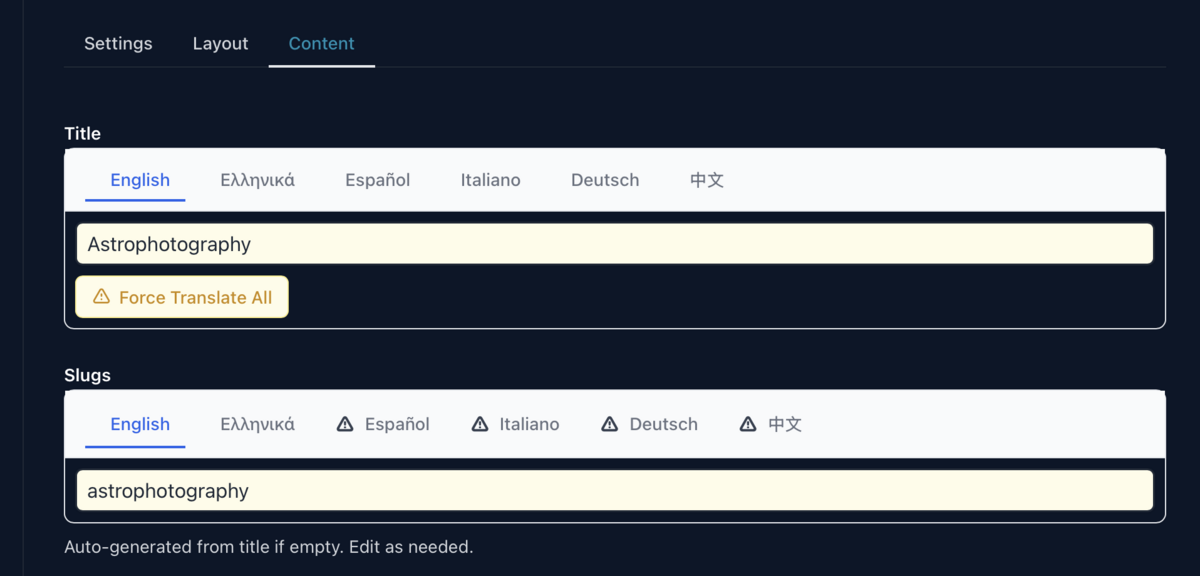
Titles, slugs and translatable blocks keep their language versions in the same document. Work through the six languages shown here yourself—or let AI draft the other versions of a field in one action, then review and refine each one. Structure and styling stay shared, so multilingual publishing does not mean maintaining six separate pages.
THE WORKSPACE
Every detail has a place.
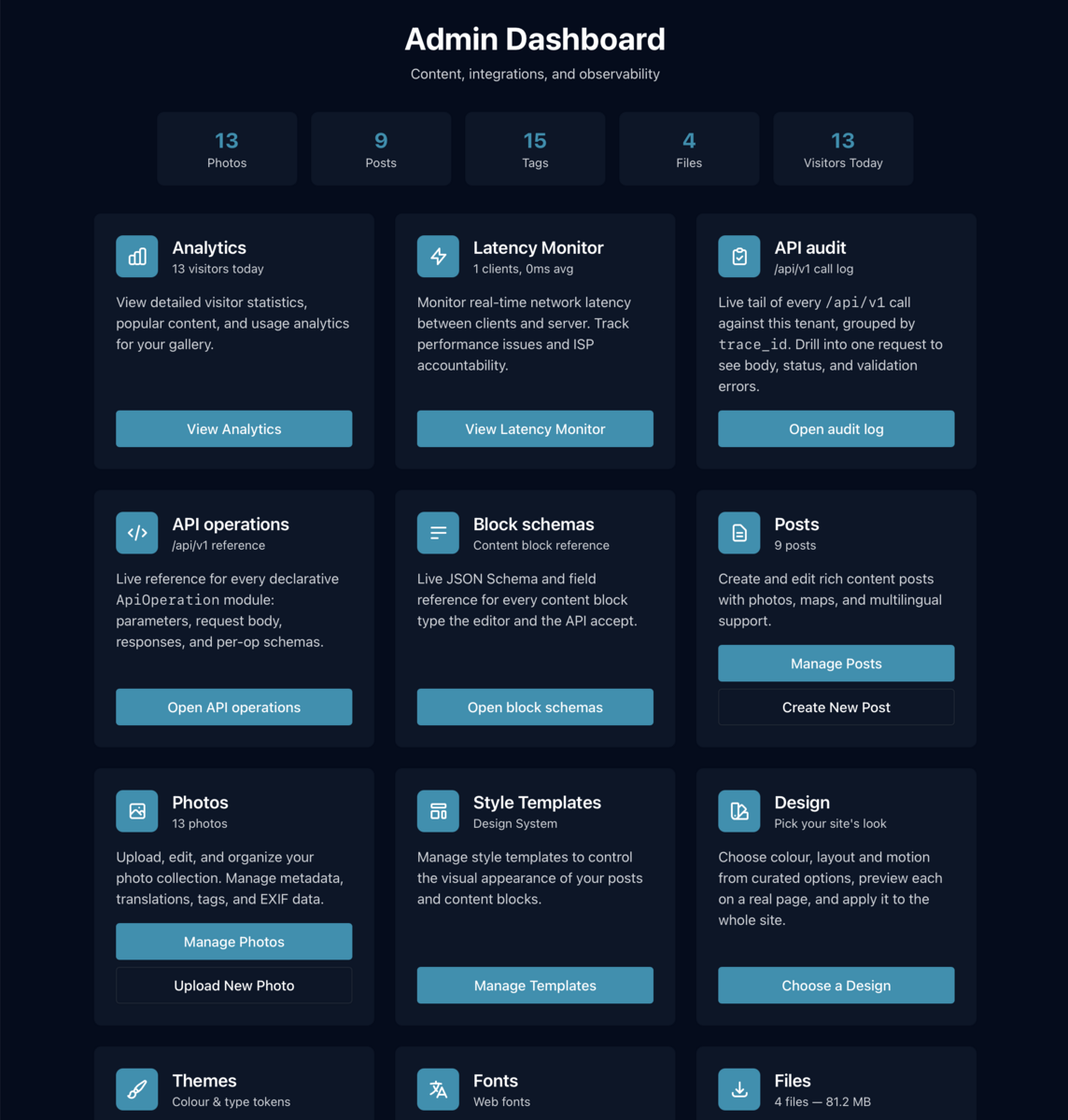
The advanced editor brings content, layout and a real-time preview together. Define style recipes for individual blocks, group them into templates, and apply a complete visual system to a document with one click. Precise control without losing the overview.
LAYOUT BY COMPOSITION
Complex layouts, without losing your mind.
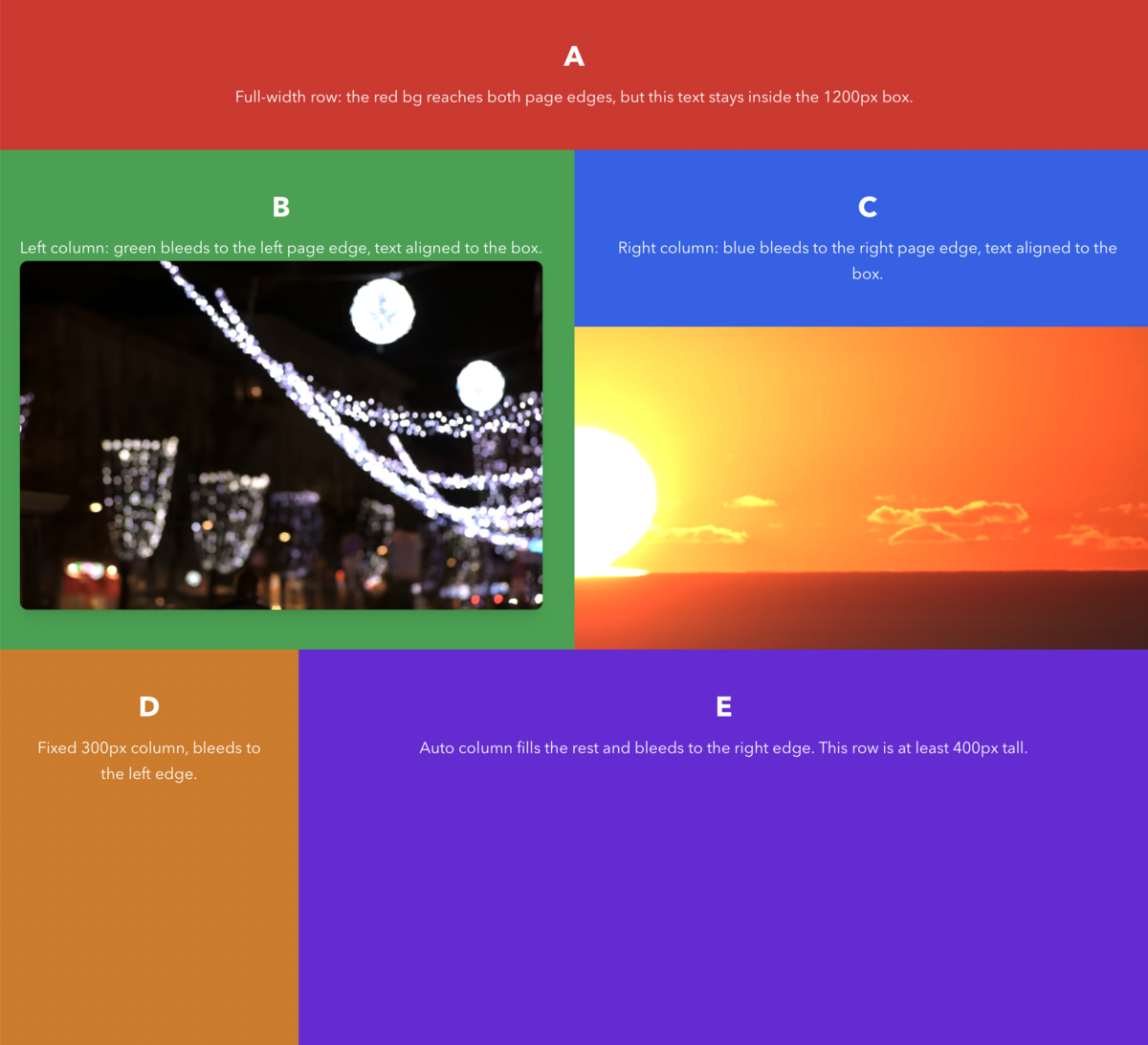
Stacks can span the viewport while keeping their content aligned to the document grid. Nest them, mix fixed and fluid columns, choose which edges bleed, and set minimum heights—without turning the document into a thicket of layout code. The result can be intricate; the underlying structure stays legible.
A FLEXIBLE SITE FRAME
One site. Dozens of layouts.
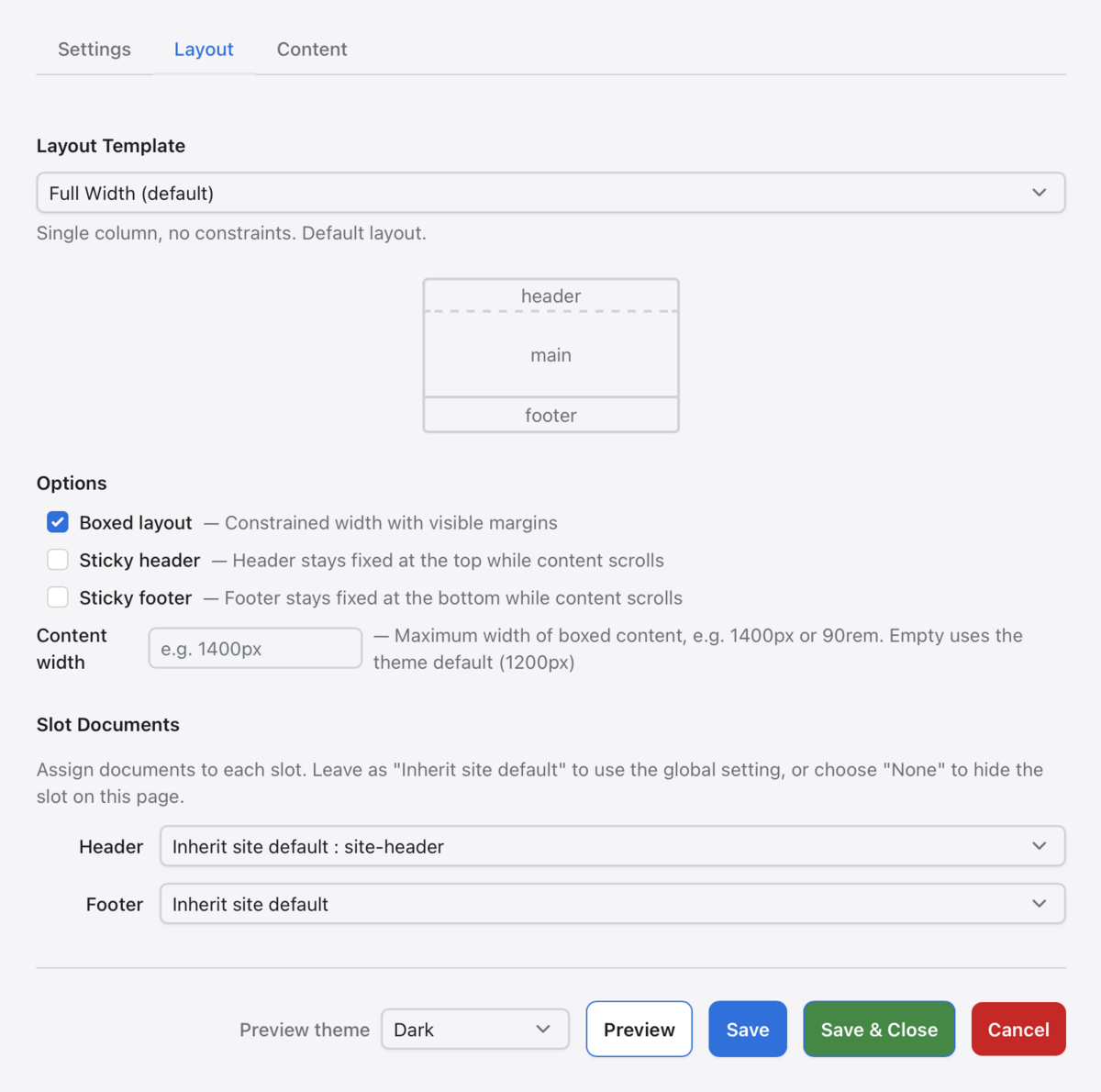
Start with one of five layout templates. Define header and footer documents for the whole site, choose whether they stay fixed while scrolling, and tune width or sidebar behavior. Every document can inherit those defaults or override its template, options and slot documents.
Choose the frame
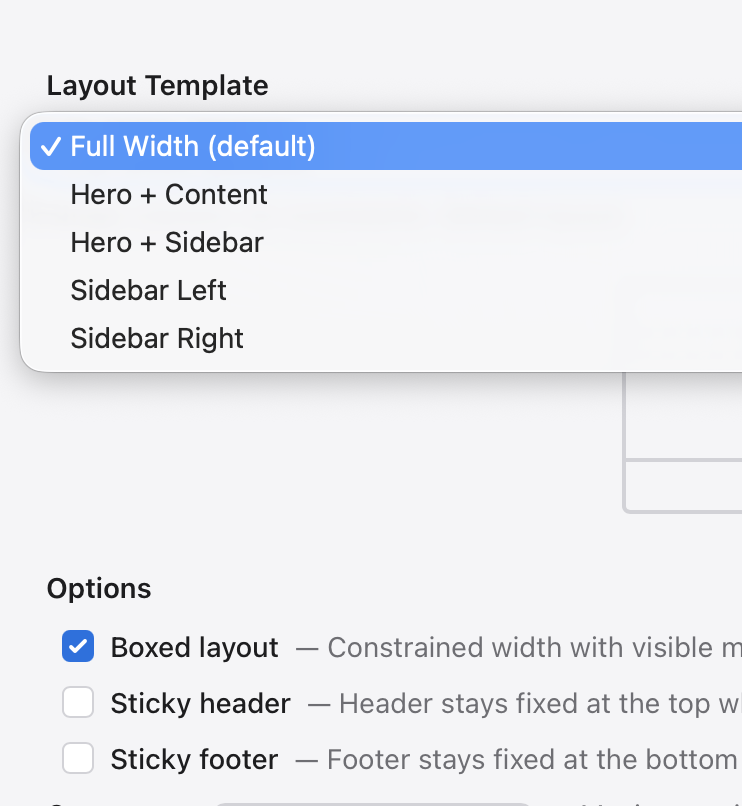
Set the behavior and slots
A LANGUAGE FOR PAGES
A page is made of meaningful parts.
Each block declares what it is, not just how it looks. A title carries its heading level; a quote keeps its attribution; a photo keeps its caption and alt text. Stacks express grouping. That structure remains useful when the design—or the renderer—changes.
1. Structure & composition
- stack — groups and nests arbitrary blocks in a defined sequence.
- embedded_document — reuses another document by reference.
- multi_column — organizes structured cards into columns.
- hero — gives an opening section its own title, subtitle and action.
2. Editorial meaning
- title — records a heading and its level, from h1 to h4.
- paragraph — carries body or lead copy as translatable text.
- list — keeps items ordered or unordered, rather than faking a list with line breaks.
- quote — distinguishes quoted words from their attribution.
- image_paragraph — keeps an image paired with the text it accompanies.
3. Media & place
- photo — references a managed image with alt text and an optional caption.
- photo_grid — presents a set of photos as a gallery.
- carousel — presents a photo sequence as a slideshow.
- video — embeds a self-hosted video with its poster frame.
- map — identifies a geographic place by coordinates.
- embed — gives external media a defined place in the document.
- file — makes a downloadable asset an explicit content element.
4. Actions & live content
- link — names a destination with a translatable label.
- cta — groups a message with one or more actions.
- latest_posts — draws in recently published documents.
- latest_photos — draws in recent photographs.
- language_switcher — offers the available locales.
- theme_switcher — offers the available visual themes.
WHY THIS WORKS
The result is more than generated markup.
Alnitak stores a structured document, not a pile of page code. That is why agents can create it, people can revise it, and another renderer can turn the same content into something else.
Content JSON
Typed blocks, translations, references and semantic structure. The durable source document.
Styling JSON (optional)
For advanced tweaks, or until the appropriate style template exists. Independent, composable and replaceable.
Renderer
The projection into HTML, PDF, an application or a format that has not been designed yet.
RENDERERS
Write once. Render differently later.
A web renderer can honour the site’s visual system. A PDF renderer can choose pagination, margins and running heads. Neither needs the author to rebuild the content.
WEB
APPLICATION
FEED / AGENT
OPEN TO YOUR TOOLS
The editor is not the only way in.
Alnitak also exposes its publishing capabilities through a self-describing API. Integrations, scripts and agents can create or revise the same editable documents. This page was made through that API—an example, not a prerequisite.
GET /api/v1/openapi.json
GET /api/v1/block-schemas
POST /api/v1/posts/preview.html